
11/30/2025
The Ultimate Guide to GPT and AI: Capabilities, Integration, and Best Practices
Explore comprehensive insights on GPT 4 and AI technology including capabilities, business applications, coding assistance, API integration, pricing, security concerns, and best practices.
NightCoders

What is GPT and How Does it Work?
GPT, which stands for Generative Pre-trained Transformer, represents the cutting edge in artificial intelligence for natural language processing. At its core, GPT is designed to read and understand human language at scale, allowing it to generate coherent responses, detailed articles, and even code based on prompts it receives. The engine uses deep learning neural networks trained on vast amounts of text data, which enables it to predict and generate relevant content in various contexts. Compared to earlier natural language models, GPT introduces more sophisticated attention mechanisms, leading to superior contextual awareness and a more human-like understanding of language nuances. This capability makes GPT ideal for a wide range of applications, from content creation to interactive chatbots.
Comparing GPT 4 to Earlier Versions
When comparing GPT 4 with its predecessors, users will immediately notice several notable advancements. GPT 4 features a larger neural network architecture, with a more extensive training dataset, resulting in higher language accuracy and reduced hallucinations in text output. It better understands context, processes more nuanced prompts, and can follow complex instructions that might have stumped GPT 3. This progress has translated into improvements in multiple domains, such as advanced code generation, sophisticated conversation, and higher-quality translations. Businesses and developers now rely on GPT 4 for tasks where contextual reliability and accurate content generation are critical.

Key Applications of GPT in Business
GPT's versatility has made it a cornerstone in diverse business applications. In customer service, companies deploy AI GPT chatbots to provide automated, immediate responses across vast customer queries, minimizing wait times and reducing support costs. Marketing teams use GPT-powered AI tools for content creation, enabling them to generate blog posts, social media updates, and even ad copy at scale. In software development, GPT helps automate documentation and assists with writing and reviewing code, streamlining workflows and boosting productivity. Furthermore, businesses leverage GPT for data analysis, crafting executive summaries based on lengthy reports, and parsing customer feedback to identify emerging trends or product issues.
How to Use GPT 4 for Writing Assistance
For those seeking powerful writing assistance, GPT 4 delivers a level of support that rivals human editors. It excels at generating drafts, offering real-time grammar suggestions, and rephrasing content to better match desired tones. Content creators and students have found tremendous value in using GPT 4 to brainstorm ideas, develop structure outlines, and compose full-length articles with minimal manual revision. Copywriters often rely on tools powered by GPT 4 to produce variations on headlines and calls to action, ensuring maximum engagement. The interface is straightforward: users simply input their request or topic, review the AI-generated output, and then fine-tune it for their needs.
GPT-Powered AI Chatbots for Customer Service
In the realm of customer support, GPT-powered chatbots have revolutionized how brands interact with their audiences. These chatbots can handle common inquiries, resolve basic technical issues, and escalate complex problems to human agents when needed. Unlike traditional scripted bots, AI chatbots driven by GPT adjust their responses based on contextual cues, personalizing each interaction to deliver a more engaging and helpful customer experience. Brands such as Nightcoders take advantage of this technology to support global audiences around the clock via their digital platforms like https://nightcoders.id. As a result, businesses witness increased satisfaction, reduced operational overhead, and improved loyalty.
Top GPT Tools for Content Creation
Numerous tools have emerged that harness the power of GPT for content creators. These platforms allow users to instantly generate articles, social media posts, product descriptions, and marketing emails. Some advanced AI tools also include built-in SEO optimization, keyword suggestions, and tone adjustment features tailored to specific audience segments. Freelancers and marketing teams value these tools for their reliability and the creative boost they provide when deadlines loom. By automating repetitive writing tasks, businesses free up more time for strategy and innovation.
How to Use GPT for Coding Assistance
GPT 4 has become a trusted resource for coding assistance, offering developers on-demand solutions and code suggestions. The AI can generate code blocks in multiple programming languages, explain complex concepts, and even debug simple errors when presented with a relevant example. For rapid prototyping, developers can describe their intended logic, and GPT 4 generates ready-to-integrate code snippets. By streamlining documentation and automating boilerplate code, GPT-driven assistants help technical teams focus on solving higher-level architectural challenges rather than getting bogged down in repetitive tasks.
# Example: Python code generation with GPT
user_prompt = "Write a Python function to check if a string is a palindrome."
# Output from GPT
def is_palindrome(s):
    return s == s[::-1]
Integrating GPT into Software Applications
Integrating GPT into software applications involves leveraging its API, which delivers sophisticated language capabilities to any digital platform. Developers access the API, submit prompts, and process the AI’s responses from within their own apps, whether for chatbots, writing assistants, or analytics dashboards. The setup requires understanding API documentation and handling authentication and rate limits to ensure reliable performance. Integrations can be customized, enabling precise control over how GPT interacts with users or handles sensitive data. When executed properly, this integration elevates products by endowing them with conversational intelligence and dynamic content generation.
How to Access GPT API for Developers
Accessing the GPT API is straightforward for developers looking to empower their applications with advanced linguistic features. After creating an account and acquiring API credentials from the official provider, developers can use RESTful requests to interact with the model. Key considerations include selecting the appropriate plan based on usage volume, mastering request structure for optimal outputs, and securing user data. API documentation provides in-depth technical guidance, covering everything from authentication to error handling and performance tuning. By closely referencing these resources, developers can seamlessly embed GPT functionalities into chatbots, virtual assistants, and search engines.
GPT 4 Pricing and Plans
Pricing for GPT 4 is tiered based on usage volume, API access levels, and specific feature sets such as context window size or fine-tuning capabilities. Basic plans offer affordable rates for individuals or small businesses with limited requirements, while enterprise solutions provide higher throughput—suitable for large-scale deployments in customer service or content automation. Some providers include pay-as-you-go models, making it convenient for companies to scale up as demand grows. It is important for decision makers to compare available plans, assess monthly usage patterns, and determine which tier offers the best return on investment for their workflows.
Free Alternatives to GPT 4
While GPT 4 sets the benchmark, several free or open-source alternatives offer robust text generation capabilities for those with limited budgets. Models like GPT-Neo and GPT-J provide a similar architecture, allowing developers to deploy language AI without incurring costs. These alternatives are beneficial in academic, hobbyist, or small business scenarios where budget constraints prohibit premium offerings. However, free tools may have smaller training datasets or less polish in their outputs, which can affect contextual accuracy and depth. Careful evaluation is necessary to ensure the chosen model meets the project’s content quality and security requirements.
Capabilities and Limitations of GPT 4
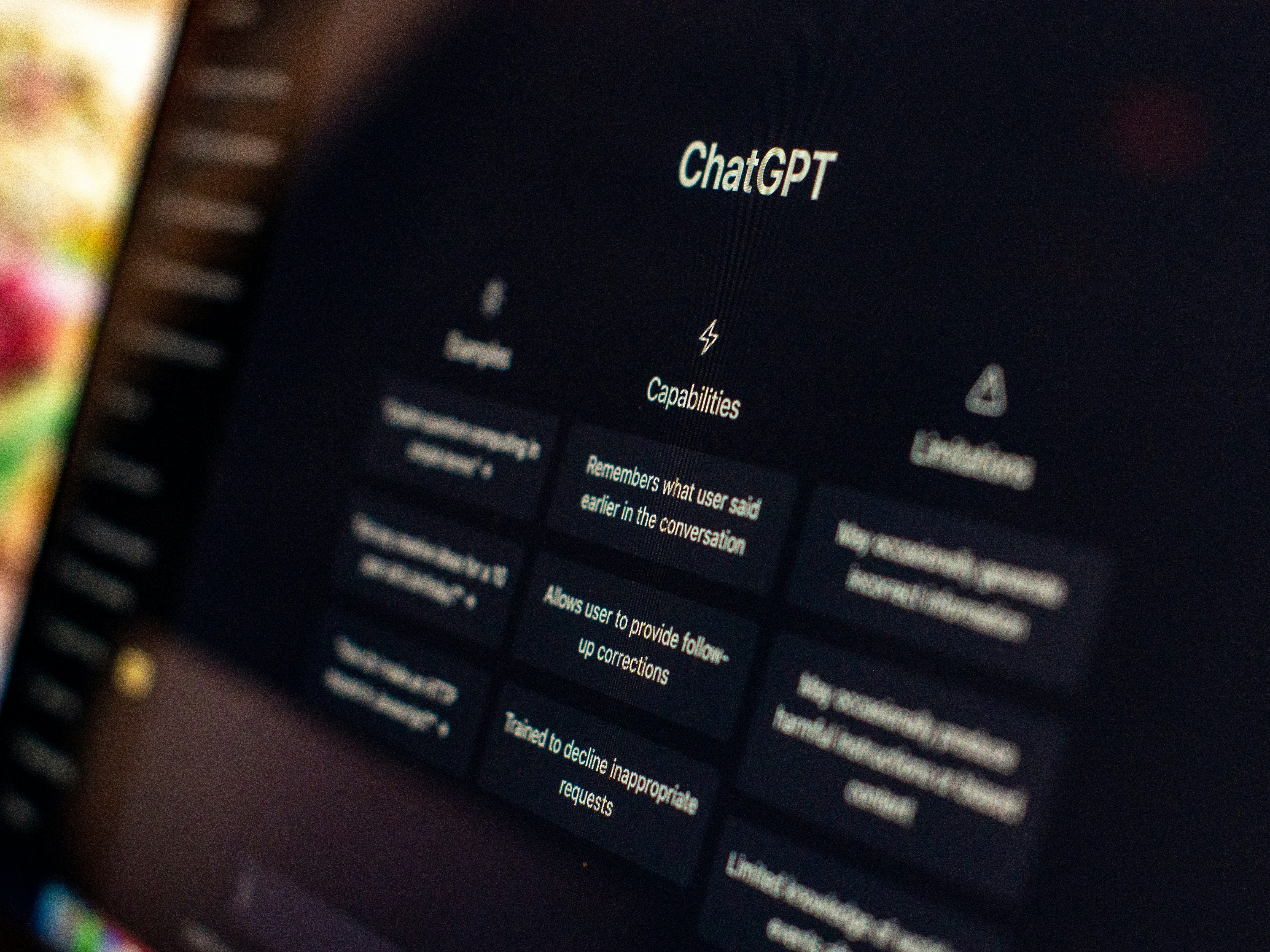
GPT 4 impresses users with a range of advanced features, including multi-turn conversation, code synthesis, multilingual support, and nuanced text interpretation. Its strengths lie in mimicking natural human interaction and understanding intent, making it valuable for varied applications. However, the model is not without limitations. It sometimes produces plausible but incorrect text, struggles with highly specialized knowledge, and can inadvertently reflect biases present in the training data. Responsible deployment involves close oversight, post-processing of outputs, and ongoing model fine-tuning to mitigate these shortcomings.
Optimizing Prompts for Better GPT Results
The quality of GPT’s output hinges significantly on how prompts are structured. Precise, detailed prompts often yield more accurate and contextually relevant responses than vague instructions. For complex tasks, users should break down requests into clear steps, provide necessary background information, and specify desired output formats. Iterative prompt refinement enables users to hone results until they align with expectations. Organizations often develop internal prompt libraries and share best practices to maintain consistently high-quality outcomes across teams.
GPT 4 Language Support Overview
GPT 4 boasts extensive language support, competent in understanding and generating text in dozens of widely spoken languages. Its multilingual capabilities empower businesses to automate content translation, provide cross-border customer support, and localize software at scale. While performance is strongest in English and other common languages, the model has improved markedly in less prevalent dialects, handling translation and cultural nuance far more adeptly than earlier iterations. For specialized projects, users may supplement GPT with targeted language datasets to enhance precision and fluency.
Best Practices for Using GPT AI
Following best practices is vital for maximizing GPT’s potential while maintaining ethical and operational standards. This includes establishing clear guidelines for acceptable uses, monitoring outputs for bias or errors, and integrating human oversight into decision-making processes. Security should be top of mind, with sensitive information sanitized from prompts and stored data encrypted. Teams should also stay informed of model improvements and updates, adapting their workflows to take advantage of new features and remediate newly discovered limitations.
Security Concerns with GPT AI Models
Security and privacy are paramount considerations when deploying GPT AI models in production environments. As these models process large volumes of text, companies must ensure that sensitive data is not inadvertently exposed or leaked through outputs. Best practices include rigorous data sanitization before sending prompts, careful management of API keys, and compliance with data protection regulations such as GDPR. Since GPT 4 can in rare cases generate unexpected content, continuous monitoring and human review of outputs remain essential to maintain user trust and regulatory compliance.
Frequently Asked Questions
What makes GPT 4 superior to earlier versions of GPT?
GPT 4 surpasses its predecessors in contextual understanding, accuracy, and the ability to follow complex instructions. The model benefits from a larger training dataset and a more advanced neural architecture, which help reduce errors and hallucinations while delivering more nuanced and reliable outputs.
Can I use GPT for free, or are there alternatives?
While GPT 4 typically requires a paid plan, there are free alternatives like GPT-Neo and GPT-J. These open-source tools offer solid performance for many text generation tasks, although they may not match the depth or contextual accuracy of GPT 4.
How do I integrate GPT into my business application?
Developers can integrate GPT into software via its API, using standard RESTful requests. This approach allows businesses to add advanced language features to chatbots, content generators, or support platforms, enhancing user experiences and operational efficiency.
What are the top use cases of GPT in business today?
Businesses use GPT primarily for automated customer service, content creation, code generation, data summarization, marketing outreach, and workflow automation. Its versatility and scalability make it a fit for organizations of all sizes.
Are there security concerns I should consider with AI GPT models?
Yes, security and privacy must be addressed when using AI GPT models. It is essential to sanitize sensitive information, safeguard API access, and comply with relevant data protection laws to prevent unauthorized data exposure or misuse.